June 5, 2026
June 5, 2026
How to Make AI Ad Variations from One Product Image
Turn one product photo into 50 AI ad variations for faster testing, clearer winners, and less creative burnout.
Turn one product photo into 50 AI ad variations for faster testing, clearer winners, and less creative burnout.
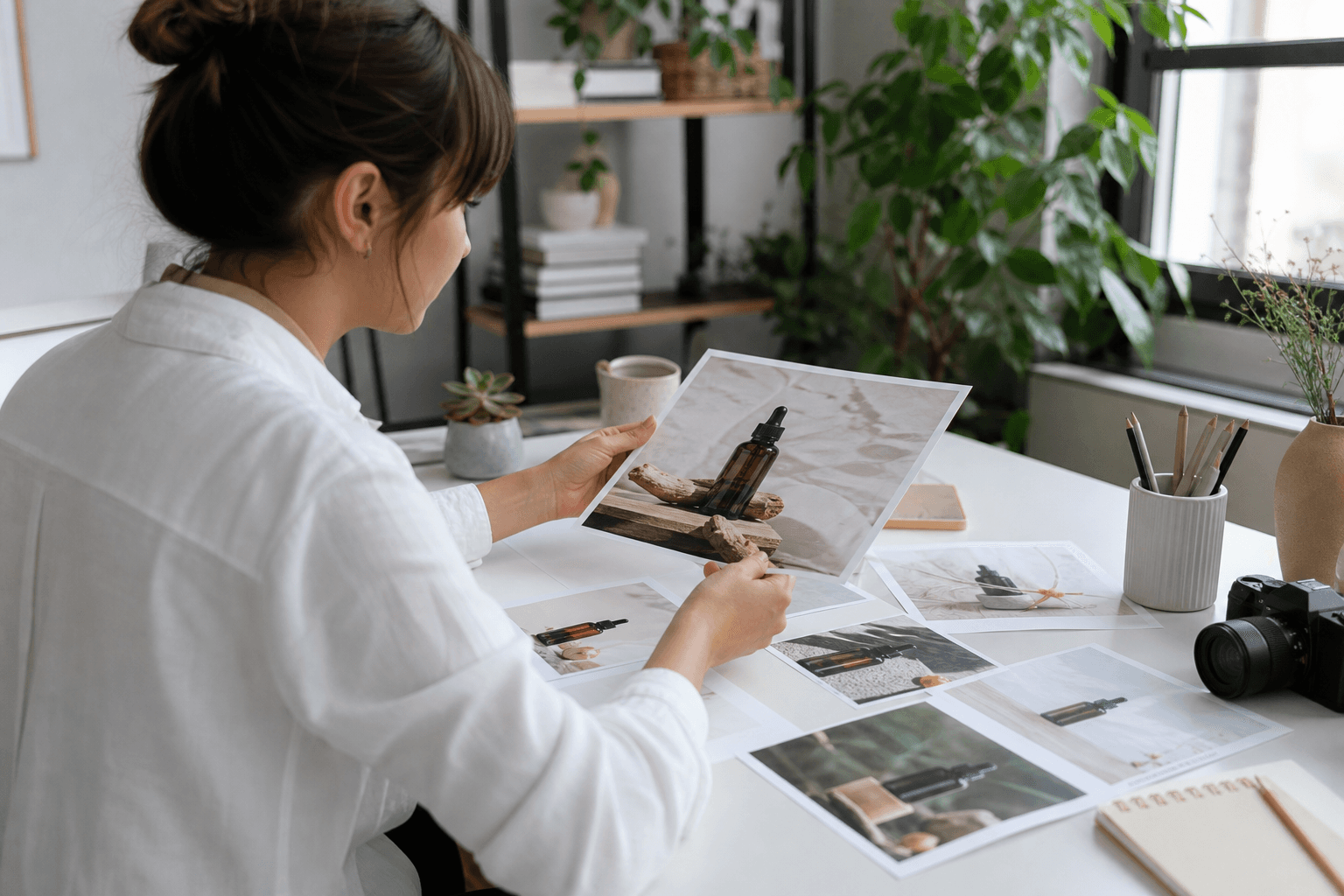
Learn a simple way to make AI ad variations from one product image, so you can test faster without starting from scratch.
If you need more AI ad variations, you do not need more photos. You need one good product image, a few clear prompts, and a repeatable way to change one thing at a time.
This playbook shows you how to turn one product image into 50 ad variations for faster testing. It is built for growth marketers and creative teams who want more tests without more chaos.
What this means in plain English
One product image can become many ads by changing the background, crop, color mood, headline, use case, or format. The product stays the same, but each version gives you a different angle to test.
That matters because most teams do not fail from lack of ideas. They fail because making each new ad takes too long. A simple system lets you move faster and learn what people click on.
Who this helps most
Growth marketers who need fresh ads every week
Creative strategists who want organized testing, not random edits
Ecommerce teams with one strong product shot and a small content team
Founders who want to stretch one asset into many ads before a launch
The easiest way to build 50 AI ad variations
Do not try to make 50 totally different ads at once. Instead, make 5 core version types, then create 10 small changes inside each type.
Choose one clean product image. Pick the image with the clearest shape, best lighting, and least clutter.
Pick one test goal. For example, test angle, audience, mood, or offer. Do not test everything in one round.
Make 5 version types. Each type changes one main thing only.
Create 10 small changes in each type. Keep the product the same, and change the rest.
Name every file clearly. Use simple labels so you know what changed.
Ship the set into your ad platform. Launch the best-looking versions first, then keep the rest ready for the next round.
The 5 version types to start with
Version type | What changes | Example use |
|---|---|---|
Background swap | Color, room, surface, or scene | Kitchen, studio, outdoor, premium backdrop |
Crop change | Close-up, wide shot, center frame | Show detail, show package, show lifestyle |
Color mood | Warm, cool, bright, dark | Match seasonal offers or brand tone |
Offer angle | Headline or message on the ad | Discount, gift, problem-solving, bundle |
Audience use case | Who it is for | New parents, gym users, travelers, gift buyers |
Example input and output
Say you sell a reusable water bottle. Your original image is a clean shot of the bottle on a white background.
From that one image, you can create these AI ad variations:
A bottle on a desk for office workers
A bottle in a gym bag for fitness buyers
A bottle in a car cup holder for commuters
A bottle on a hiking trail for outdoor users
A bottle with a bright summer color mood
A bottle with a dark premium feel
A close-up that shows the lid detail
A wide lifestyle scene with a person reaching for it
Now add headline changes. For example:
Stay Hydrated All Day
Made for Busy Mornings
Built for Travel
Easy to Carry, Easy to Clean
Your Everyday Water Bottle
With just a few scene changes and message changes, one image can become many testable ads.
A simple prompt formula that works
Keep prompts short. Tell the model what must stay the same, then tell it what should change.
Prompt formula: keep the product the same, change the scene, keep the packaging clear, make it look like a real ecommerce ad, use natural light, no extra text in the image.
Example prompt: Use the same product image. Place the bottle on a gym bench beside a towel and phone. Keep the label readable. Make the scene look real and clean. Bright natural light. No text, no hands covering the product.
Another example: Use the same product image. Put the bottle in a premium kitchen setting with soft morning light. Clean counter, modern look, product centered, realistic shadows, no text.
What to keep the same across every version
If you change too many things, you will not know why one ad worked. Keep these parts steady:
The product itself
The core offer, if possible
The audience for that round of testing
The file names and labels
The aspect ratio for the platform
Then change only one main idea per batch. That is how you learn faster.
What to check before you launch
The product looks real and not warped
The label or key feature is easy to see
The background matches the audience and use case
No strange hands, shadows, or broken edges
The ad feels like it belongs in the feed
The text on the ad is short and clear
Each version has a clear reason to exist
If an image looks cool but does not explain the product fast, skip it. Good ad creative is easy to understand in one second.
Common mistakes to avoid
Making random variations. If you do not know what changed, you cannot learn anything useful.
Testing too many angles at once. One test should answer one question.
Using messy source images. Bad input makes bad output.
Forgetting the audience. A scene for parents should not look like a scene for hikers.
Over-editing every version by hand. That slows the team down and breaks the system.
Where Kubflow fits
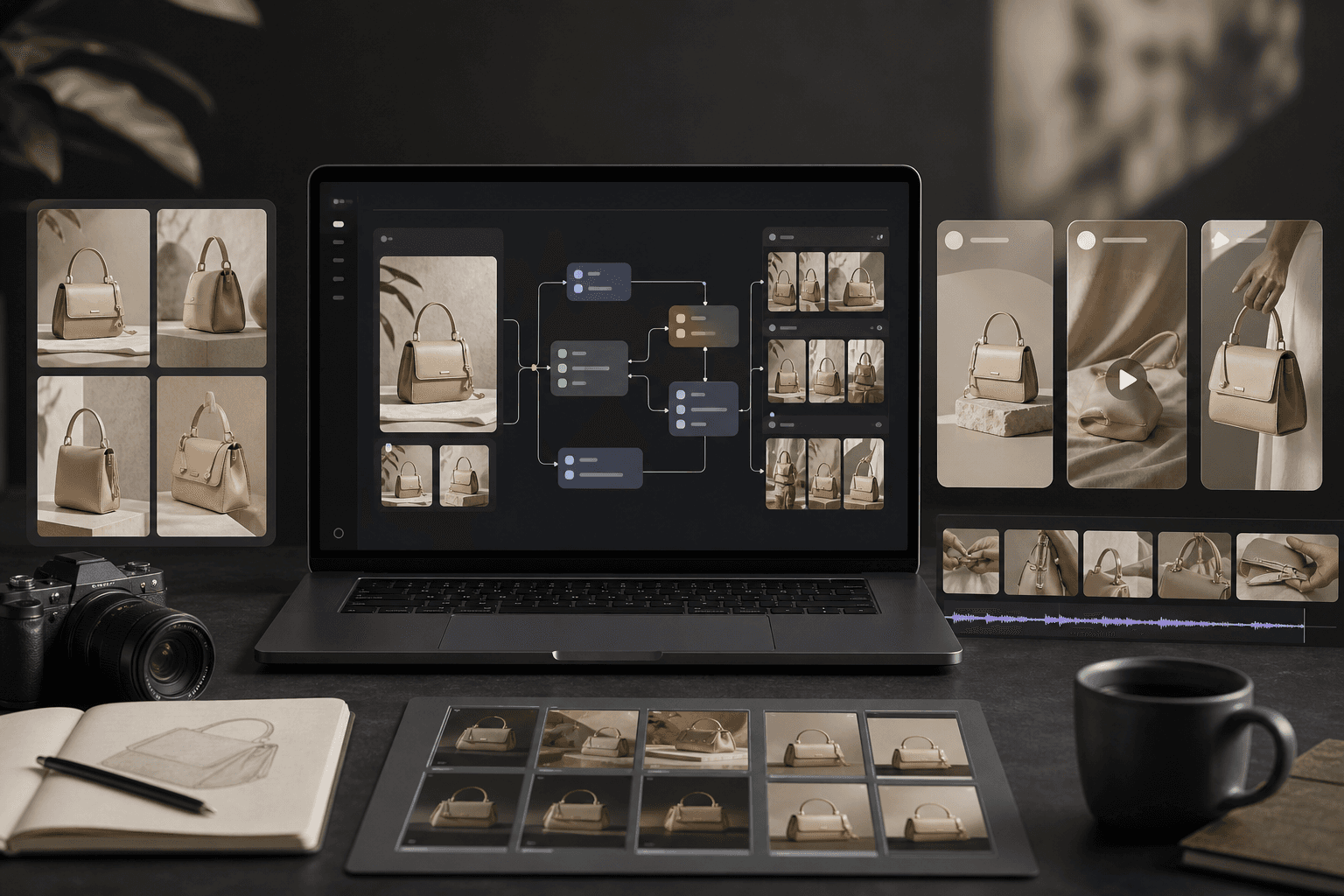
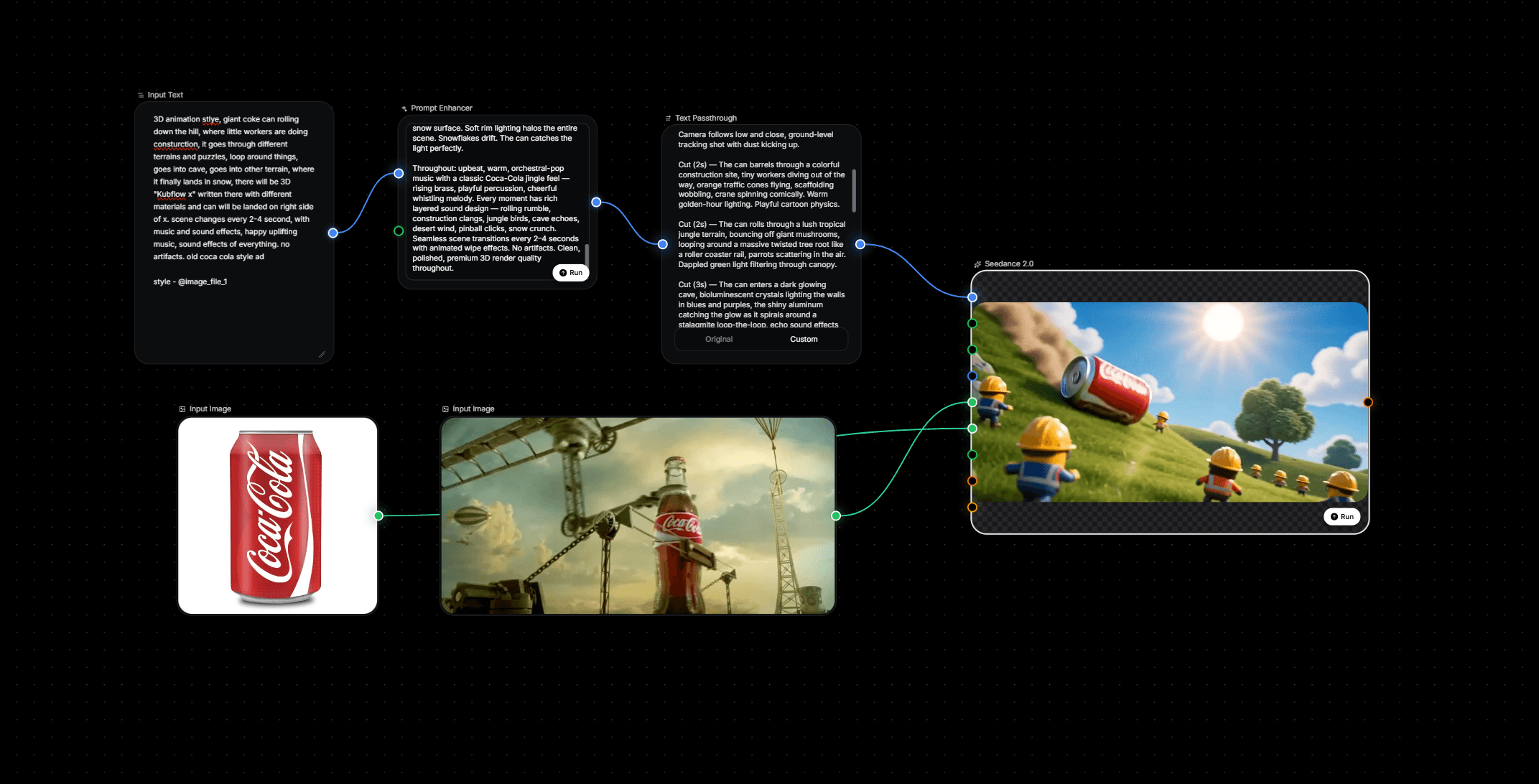
Kubflow helps you build this kind of repeatable creative system. You can connect image, video, audio, and text models in one visual flow, then rerun the same steps whenever you need more AI ad variations.
That means one strong product image can become a set of ad-ready assets without rebuilding the process each time. Your team can spend less time making one-off files and more time finding winning ideas.
If you already have a product photo and a testing goal, Kubflow is the place to turn that into a reusable production path.
A quick 1-hour version plan
Pick one product image.
Choose one audience.
Write 5 scene prompts.
Write 5 headline ideas.
Create 10 versions from each of 5 core angles.
Review for clarity, realism, and fit.
Launch the best set first.
Start small. Even 10 good versions can teach you more than 50 random ones.
Simple takeaway
You do not need a giant content team to test more ads. You need a clear method for turning one product image into many useful AI ad variations.
Keep the product steady, change one thing at a time, and build the process in Kubflow so you can reuse it every week.
If you want faster creative testing, start with one image, one audience, and one repeatable flow.


Learn a simple way to make AI ad variations from one product image, so you can test faster without starting from scratch.
If you need more AI ad variations, you do not need more photos. You need one good product image, a few clear prompts, and a repeatable way to change one thing at a time.
This playbook shows you how to turn one product image into 50 ad variations for faster testing. It is built for growth marketers and creative teams who want more tests without more chaos.
What this means in plain English
One product image can become many ads by changing the background, crop, color mood, headline, use case, or format. The product stays the same, but each version gives you a different angle to test.
That matters because most teams do not fail from lack of ideas. They fail because making each new ad takes too long. A simple system lets you move faster and learn what people click on.
Who this helps most
Growth marketers who need fresh ads every week
Creative strategists who want organized testing, not random edits
Ecommerce teams with one strong product shot and a small content team
Founders who want to stretch one asset into many ads before a launch
The easiest way to build 50 AI ad variations
Do not try to make 50 totally different ads at once. Instead, make 5 core version types, then create 10 small changes inside each type.
Choose one clean product image. Pick the image with the clearest shape, best lighting, and least clutter.
Pick one test goal. For example, test angle, audience, mood, or offer. Do not test everything in one round.
Make 5 version types. Each type changes one main thing only.
Create 10 small changes in each type. Keep the product the same, and change the rest.
Name every file clearly. Use simple labels so you know what changed.
Ship the set into your ad platform. Launch the best-looking versions first, then keep the rest ready for the next round.
The 5 version types to start with
Version type | What changes | Example use |
|---|---|---|
Background swap | Color, room, surface, or scene | Kitchen, studio, outdoor, premium backdrop |
Crop change | Close-up, wide shot, center frame | Show detail, show package, show lifestyle |
Color mood | Warm, cool, bright, dark | Match seasonal offers or brand tone |
Offer angle | Headline or message on the ad | Discount, gift, problem-solving, bundle |
Audience use case | Who it is for | New parents, gym users, travelers, gift buyers |
Example input and output
Say you sell a reusable water bottle. Your original image is a clean shot of the bottle on a white background.
From that one image, you can create these AI ad variations:
A bottle on a desk for office workers
A bottle in a gym bag for fitness buyers
A bottle in a car cup holder for commuters
A bottle on a hiking trail for outdoor users
A bottle with a bright summer color mood
A bottle with a dark premium feel
A close-up that shows the lid detail
A wide lifestyle scene with a person reaching for it
Now add headline changes. For example:
Stay Hydrated All Day
Made for Busy Mornings
Built for Travel
Easy to Carry, Easy to Clean
Your Everyday Water Bottle
With just a few scene changes and message changes, one image can become many testable ads.
A simple prompt formula that works
Keep prompts short. Tell the model what must stay the same, then tell it what should change.
Prompt formula: keep the product the same, change the scene, keep the packaging clear, make it look like a real ecommerce ad, use natural light, no extra text in the image.
Example prompt: Use the same product image. Place the bottle on a gym bench beside a towel and phone. Keep the label readable. Make the scene look real and clean. Bright natural light. No text, no hands covering the product.
Another example: Use the same product image. Put the bottle in a premium kitchen setting with soft morning light. Clean counter, modern look, product centered, realistic shadows, no text.
What to keep the same across every version
If you change too many things, you will not know why one ad worked. Keep these parts steady:
The product itself
The core offer, if possible
The audience for that round of testing
The file names and labels
The aspect ratio for the platform
Then change only one main idea per batch. That is how you learn faster.
What to check before you launch
The product looks real and not warped
The label or key feature is easy to see
The background matches the audience and use case
No strange hands, shadows, or broken edges
The ad feels like it belongs in the feed
The text on the ad is short and clear
Each version has a clear reason to exist
If an image looks cool but does not explain the product fast, skip it. Good ad creative is easy to understand in one second.
Common mistakes to avoid
Making random variations. If you do not know what changed, you cannot learn anything useful.
Testing too many angles at once. One test should answer one question.
Using messy source images. Bad input makes bad output.
Forgetting the audience. A scene for parents should not look like a scene for hikers.
Over-editing every version by hand. That slows the team down and breaks the system.
Where Kubflow fits
Kubflow helps you build this kind of repeatable creative system. You can connect image, video, audio, and text models in one visual flow, then rerun the same steps whenever you need more AI ad variations.
That means one strong product image can become a set of ad-ready assets without rebuilding the process each time. Your team can spend less time making one-off files and more time finding winning ideas.
If you already have a product photo and a testing goal, Kubflow is the place to turn that into a reusable production path.
A quick 1-hour version plan
Pick one product image.
Choose one audience.
Write 5 scene prompts.
Write 5 headline ideas.
Create 10 versions from each of 5 core angles.
Review for clarity, realism, and fit.
Launch the best set first.
Start small. Even 10 good versions can teach you more than 50 random ones.
Simple takeaway
You do not need a giant content team to test more ads. You need a clear method for turning one product image into many useful AI ad variations.
Keep the product steady, change one thing at a time, and build the process in Kubflow so you can reuse it every week.
If you want faster creative testing, start with one image, one audience, and one repeatable flow.