June 13, 2026
June 13, 2026
AI Product Photo Ads: Turn Photos into Scroll-Stopping Creatives
Turn one product photo into stronger ad creatives with a simple, repeatable AI workflow for ecommerce teams.
Turn one product photo into stronger ad creatives with a simple, repeatable AI workflow for ecommerce teams.
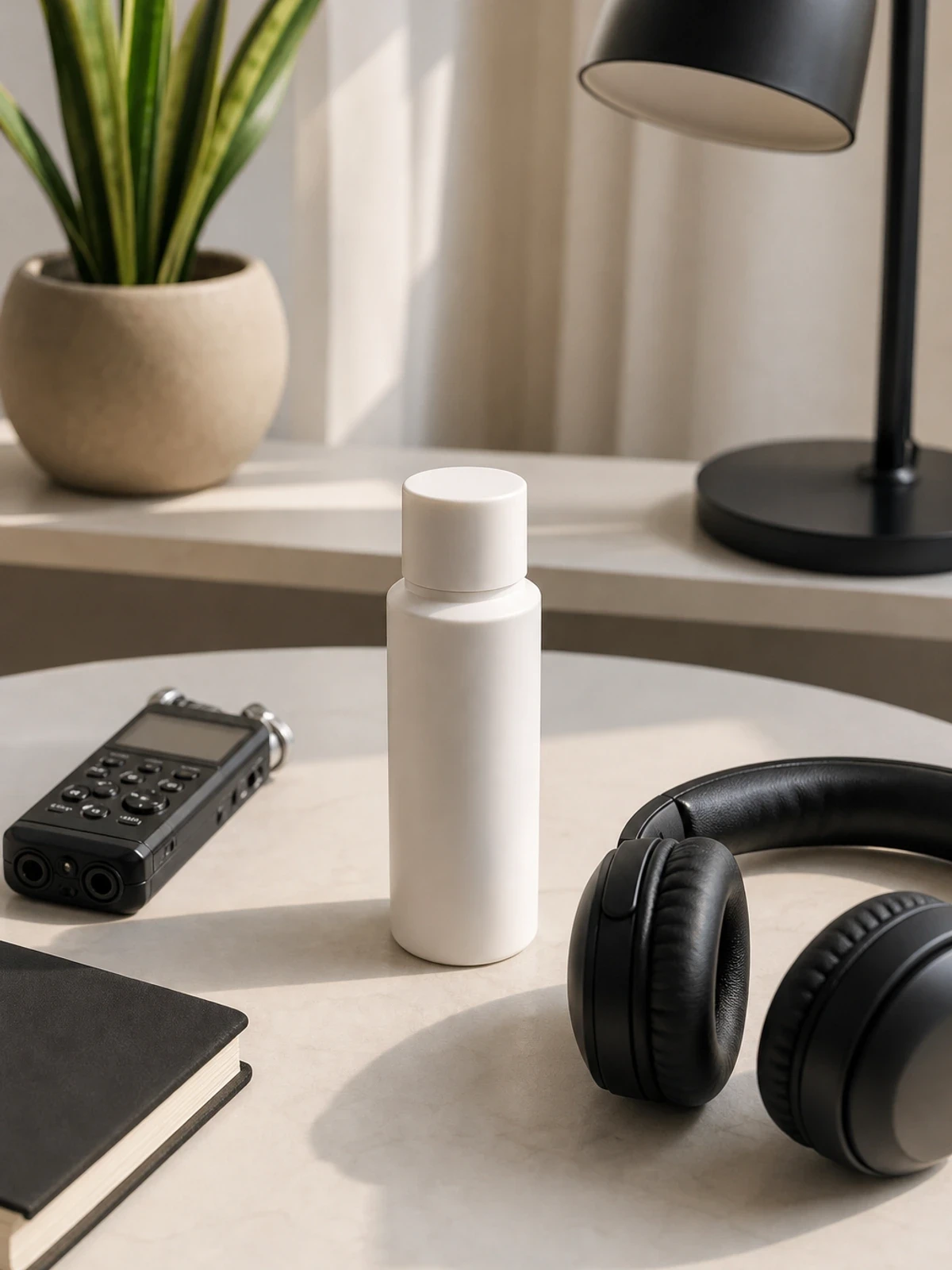
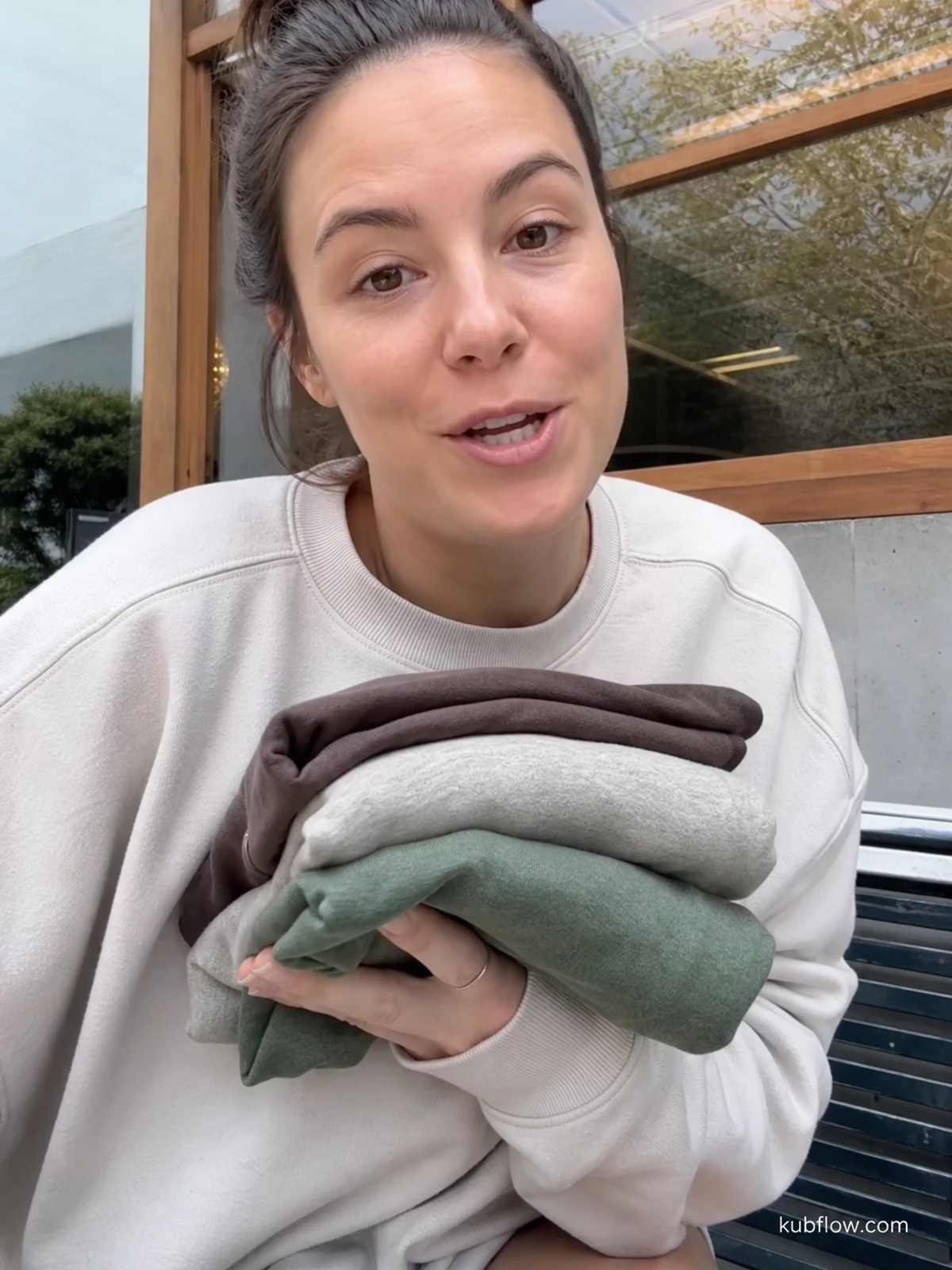
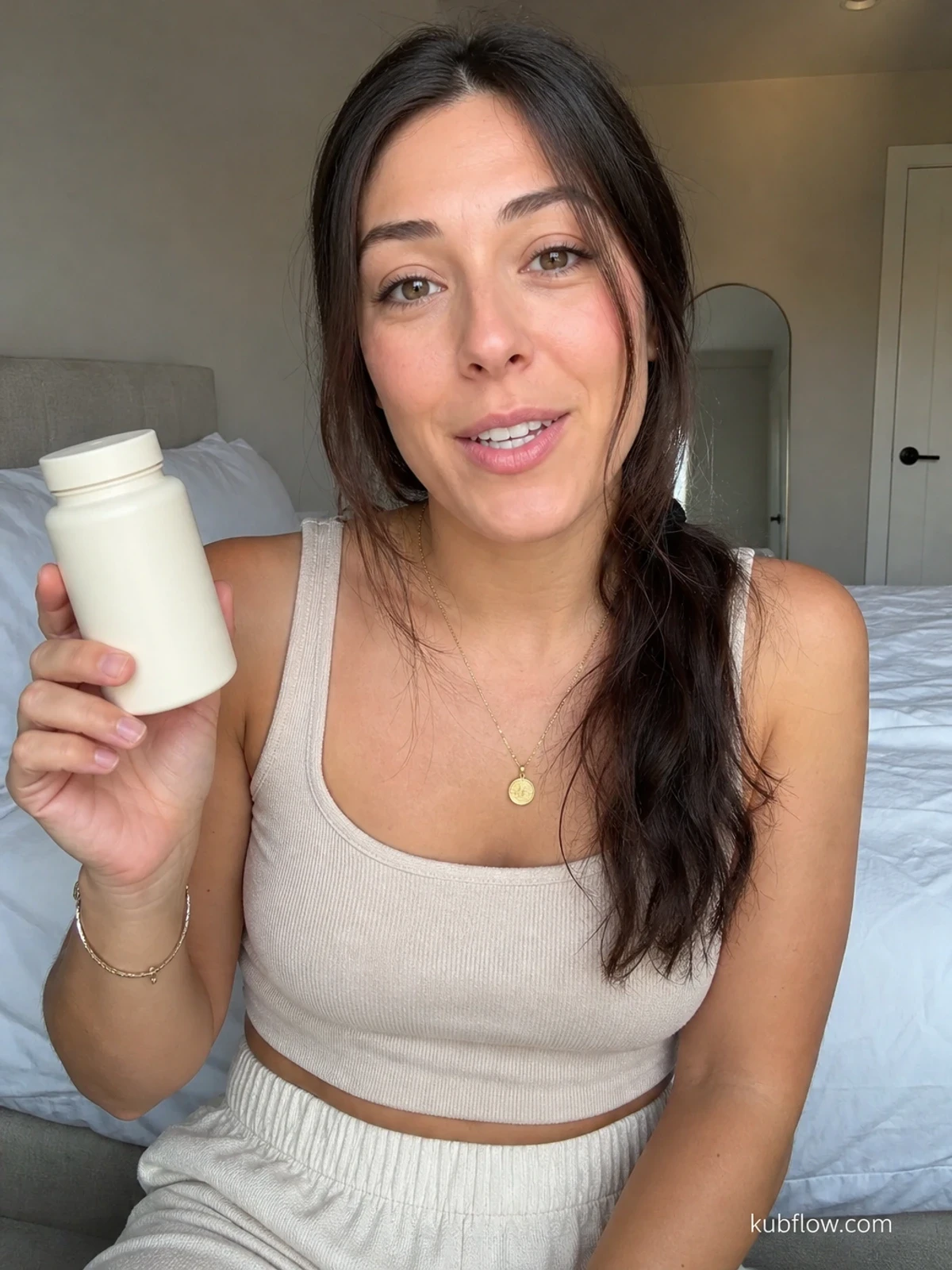
Learn how to turn product photos into AI product photo ads that look more alive, test faster, and help ecommerce teams with limited assets.
If you only have a few product photos, you can still make ads that stop the scroll. The simple fix is to turn each photo into a repeatable creative workflow, so one image can become many ad versions for different angles, hooks, and formats.
This guide shows a practical way to make AI product photo ads from limited assets, without needing a big studio shoot every time. It is written for ecommerce owners who want more creative output from the photos they already have.
What AI product photo ads actually solve
Most small ecommerce teams do not have a pile of lifestyle photos, UGC clips, and studio videos ready for every campaign. That creates a bottleneck. You have a product, but not enough ad creative to test.
AI product photo ads help you get more mileage from one good image. You can turn a clean product shot into:
short video ads
different background styles
lifestyle-looking scenes
versioned hooks for different audiences
fresh creatives for retargeting and testing
The point is not to make fake-looking ads. The point is to make useful ads faster, from the assets you already own.
The best photo-to-ad workflow for limited assets
For most ecommerce brands, the best workflow is simple: start with one strong product photo, decide the ad angle, generate a few visual versions, then review the ones that still feel like your brand.
Here is the basic flow:
Pick one clear product photo - use the image that shows the product best.
Choose one message - for example, comfort, speed, giftability, or problem-solving.
Generate ad-ready variations - change the background, crop, motion, or scene.
Write one short hook per version - keep it simple and direct.
Review for trust - make sure the product still looks real and the promise is believable.
Test the best few - do not launch everything at once.
This is where a visual workflow builder helps. Instead of doing each step by hand every time, you can build the steps once and rerun them for new products, new offers, or new seasons. If you want a simple way to set that up, you can start with Kubflow's visual AI creative workflow builder.
How to turn one product photo into ad creative
Use this practical recipe when you only have a product image and need ads fast.
Step 1: Choose the right source photo
Not every photo is a good ad starting point. Pick the one that is sharp, easy to understand, and shows the main product feature clearly.
Good source photos usually have:
one obvious product
clean edges
good light
little clutter
enough space to add text or motion later
If the image is blurry or crowded, AI can make it worse, not better.
Step 2: Decide the ad angle before you generate
Do not ask AI to make something pretty and hope it sells. First decide what the ad should say.
Examples:
Problem fix: “This solves messy cable clutter.”
Benefit: “This makes mornings faster.”
Emotion: “This feels like a better gift.”
Use case: “This is for travel, gym, or small spaces.”
Once you know the angle, the photo-to-ad step becomes much easier.
Step 3: Generate versions for different ad jobs
One photo can support different jobs in the funnel. For example:
Cold ad: bold hook, simple product reveal
Retargeting ad: more detail, stronger proof, clearer offer
Seasonal ad: gift, holiday, or limited-time angle
A simple prompt example:
“Turn this product photo into a clean ecommerce ad visual. Keep the product shape accurate. Create a brighter lifestyle scene, add subtle motion feel, and leave space for a short headline about convenience.”
That kind of prompt gives direction without overcomplicating the result.
Step 4: Add copy that matches the image
The image and the words need to work together. If the picture feels premium, the headline should not sound cheap. If the photo shows speed, the copy should not talk about a different benefit.
Example pairs:
Image: clean product on a bright background, Copy: “Simple. Fast. Ready today.”
Image: product in a real-life setting, Copy: “Made for busy days.”
Image: close-up detail shot, Copy: “See why customers keep coming back.”
What to keep, what to change, and what to avoid
AI can help a lot, but it should not replace judgment. The best ecommerce teams know what to protect.
Keep | Change | Avoid |
|---|---|---|
Product shape, color, and main feature | Background, crop, scene, and motion feel | Changing the product so much that it no longer feels real |
Brand tone | Headline, offer framing, and visual angle | Overwriting every asset with the same style |
Trust signals | Layout and visual emphasis | Making fake-looking claims or impossible scenes |
A good rule: if a customer would feel tricked, do not use it.
A simple example for a small ecommerce store
Imagine you sell a water bottle and only have one clean product photo.
You can make three AI product photo ads from it:
Ad 1: product on a bright kitchen counter, headline: “Stay ready all day.”
Ad 2: product beside a gym bag, headline: “Built for busy routines.”
Ad 3: product in a travel scene, headline: “One bottle for every trip.”
Each version uses the same starting image, but the ad speaks to a different use case. That gives you more tests without needing three full shoots.
Quality checklist before you launch
Before you spend on media, run this quick check:
Is the product easy to recognize in one second?
Does the ad match the real product?
Does the hook fit the image?
Is the scene believable for your buyer?
Does the ad have one clear message?
Would this still make sense if the sound was off?
If you answer “no” to any of these, fix the creative before launch.
Common mistakes ecommerce teams make
The biggest mistake is trying to make one image do too much. If you add too many effects, the ad becomes noisy and weak.
Other common mistakes:
using a bad source photo and hoping AI saves it
changing the product look too much
writing a long headline that says nothing
making every ad version feel the same
skipping review and publishing the first output
Good creative is not about making more junk faster. It is about making more useful options with less work.
Where Kubflow fits in this workflow
Kubflow is useful when you want this process to be repeatable. You can connect the steps that turn one product photo into many ad-ready outputs, then reuse the same flow for the next product, offer, or campaign.
That matters because most teams do not need one perfect generation. They need a system they can run again and again without starting from scratch.
If you want to see how the pieces fit together, the Kubflow docs are a good place to start. You can build the photo-to-ad flow once, then rerun it with new images and new angles as your catalog grows.
For teams watching budgets, this also helps reduce wasted effort. Instead of asking people to rebuild every asset by hand, you create a simple path from photo to ad creative, with review points where it matters most.
Quick start checklist
Choose one strong product photo
Pick one ad angle
Generate 3 to 5 visual versions
Write one short hook for each
Check trust, clarity, and brand fit
Launch only the best few
Save the steps so you can repeat them next time
If you only have limited assets, this is the fastest path to better testing. Start with one photo, build the workflow, and turn it into a system that keeps making more AI product photo ads for your store.


Learn how to turn product photos into AI product photo ads that look more alive, test faster, and help ecommerce teams with limited assets.
If you only have a few product photos, you can still make ads that stop the scroll. The simple fix is to turn each photo into a repeatable creative workflow, so one image can become many ad versions for different angles, hooks, and formats.
This guide shows a practical way to make AI product photo ads from limited assets, without needing a big studio shoot every time. It is written for ecommerce owners who want more creative output from the photos they already have.
What AI product photo ads actually solve
Most small ecommerce teams do not have a pile of lifestyle photos, UGC clips, and studio videos ready for every campaign. That creates a bottleneck. You have a product, but not enough ad creative to test.
AI product photo ads help you get more mileage from one good image. You can turn a clean product shot into:
short video ads
different background styles
lifestyle-looking scenes
versioned hooks for different audiences
fresh creatives for retargeting and testing
The point is not to make fake-looking ads. The point is to make useful ads faster, from the assets you already own.
The best photo-to-ad workflow for limited assets
For most ecommerce brands, the best workflow is simple: start with one strong product photo, decide the ad angle, generate a few visual versions, then review the ones that still feel like your brand.
Here is the basic flow:
Pick one clear product photo - use the image that shows the product best.
Choose one message - for example, comfort, speed, giftability, or problem-solving.
Generate ad-ready variations - change the background, crop, motion, or scene.
Write one short hook per version - keep it simple and direct.
Review for trust - make sure the product still looks real and the promise is believable.
Test the best few - do not launch everything at once.
This is where a visual workflow builder helps. Instead of doing each step by hand every time, you can build the steps once and rerun them for new products, new offers, or new seasons. If you want a simple way to set that up, you can start with Kubflow's visual AI creative workflow builder.
How to turn one product photo into ad creative
Use this practical recipe when you only have a product image and need ads fast.
Step 1: Choose the right source photo
Not every photo is a good ad starting point. Pick the one that is sharp, easy to understand, and shows the main product feature clearly.
Good source photos usually have:
one obvious product
clean edges
good light
little clutter
enough space to add text or motion later
If the image is blurry or crowded, AI can make it worse, not better.
Step 2: Decide the ad angle before you generate
Do not ask AI to make something pretty and hope it sells. First decide what the ad should say.
Examples:
Problem fix: “This solves messy cable clutter.”
Benefit: “This makes mornings faster.”
Emotion: “This feels like a better gift.”
Use case: “This is for travel, gym, or small spaces.”
Once you know the angle, the photo-to-ad step becomes much easier.
Step 3: Generate versions for different ad jobs
One photo can support different jobs in the funnel. For example:
Cold ad: bold hook, simple product reveal
Retargeting ad: more detail, stronger proof, clearer offer
Seasonal ad: gift, holiday, or limited-time angle
A simple prompt example:
“Turn this product photo into a clean ecommerce ad visual. Keep the product shape accurate. Create a brighter lifestyle scene, add subtle motion feel, and leave space for a short headline about convenience.”
That kind of prompt gives direction without overcomplicating the result.
Step 4: Add copy that matches the image
The image and the words need to work together. If the picture feels premium, the headline should not sound cheap. If the photo shows speed, the copy should not talk about a different benefit.
Example pairs:
Image: clean product on a bright background, Copy: “Simple. Fast. Ready today.”
Image: product in a real-life setting, Copy: “Made for busy days.”
Image: close-up detail shot, Copy: “See why customers keep coming back.”
What to keep, what to change, and what to avoid
AI can help a lot, but it should not replace judgment. The best ecommerce teams know what to protect.
Keep | Change | Avoid |
|---|---|---|
Product shape, color, and main feature | Background, crop, scene, and motion feel | Changing the product so much that it no longer feels real |
Brand tone | Headline, offer framing, and visual angle | Overwriting every asset with the same style |
Trust signals | Layout and visual emphasis | Making fake-looking claims or impossible scenes |
A good rule: if a customer would feel tricked, do not use it.
A simple example for a small ecommerce store
Imagine you sell a water bottle and only have one clean product photo.
You can make three AI product photo ads from it:
Ad 1: product on a bright kitchen counter, headline: “Stay ready all day.”
Ad 2: product beside a gym bag, headline: “Built for busy routines.”
Ad 3: product in a travel scene, headline: “One bottle for every trip.”
Each version uses the same starting image, but the ad speaks to a different use case. That gives you more tests without needing three full shoots.
Quality checklist before you launch
Before you spend on media, run this quick check:
Is the product easy to recognize in one second?
Does the ad match the real product?
Does the hook fit the image?
Is the scene believable for your buyer?
Does the ad have one clear message?
Would this still make sense if the sound was off?
If you answer “no” to any of these, fix the creative before launch.
Common mistakes ecommerce teams make
The biggest mistake is trying to make one image do too much. If you add too many effects, the ad becomes noisy and weak.
Other common mistakes:
using a bad source photo and hoping AI saves it
changing the product look too much
writing a long headline that says nothing
making every ad version feel the same
skipping review and publishing the first output
Good creative is not about making more junk faster. It is about making more useful options with less work.
Where Kubflow fits in this workflow
Kubflow is useful when you want this process to be repeatable. You can connect the steps that turn one product photo into many ad-ready outputs, then reuse the same flow for the next product, offer, or campaign.
That matters because most teams do not need one perfect generation. They need a system they can run again and again without starting from scratch.
If you want to see how the pieces fit together, the Kubflow docs are a good place to start. You can build the photo-to-ad flow once, then rerun it with new images and new angles as your catalog grows.
For teams watching budgets, this also helps reduce wasted effort. Instead of asking people to rebuild every asset by hand, you create a simple path from photo to ad creative, with review points where it matters most.
Quick start checklist
Choose one strong product photo
Pick one ad angle
Generate 3 to 5 visual versions
Write one short hook for each
Check trust, clarity, and brand fit
Launch only the best few
Save the steps so you can repeat them next time
If you only have limited assets, this is the fastest path to better testing. Start with one photo, build the workflow, and turn it into a system that keeps making more AI product photo ads for your store.