June 14, 2026
June 14, 2026
AI Ad Creative Generator Checklist for Ecommerce Brands
Pick the right AI ad creative generator, avoid bad outputs, and build ads your team can reuse.
Pick the right AI ad creative generator, avoid bad outputs, and build ads your team can reuse.
A simple AI ad creative generator checklist for ecommerce brands, with the features to want, the mistakes to avoid, and how to choose well.
If you are looking for an AI ad creative generator, the goal is not just to make something fast. The goal is to make ads your team can reuse, review, and improve without wasting time on weak outputs.
This checklist shows what to look for, what to skip, and how ecommerce brands can pick a generator that helps them make more useful creative, not just more files.
What an AI ad creative generator should do
A good generator should turn one product idea into ad-ready assets with as little rework as possible. For ecommerce teams, that usually means images, short video, hooks, captions, and variations for different audiences or channels.
If a tool only makes one pretty image, that is not enough. You need a repeatable way to make many ad versions from the same starting point.
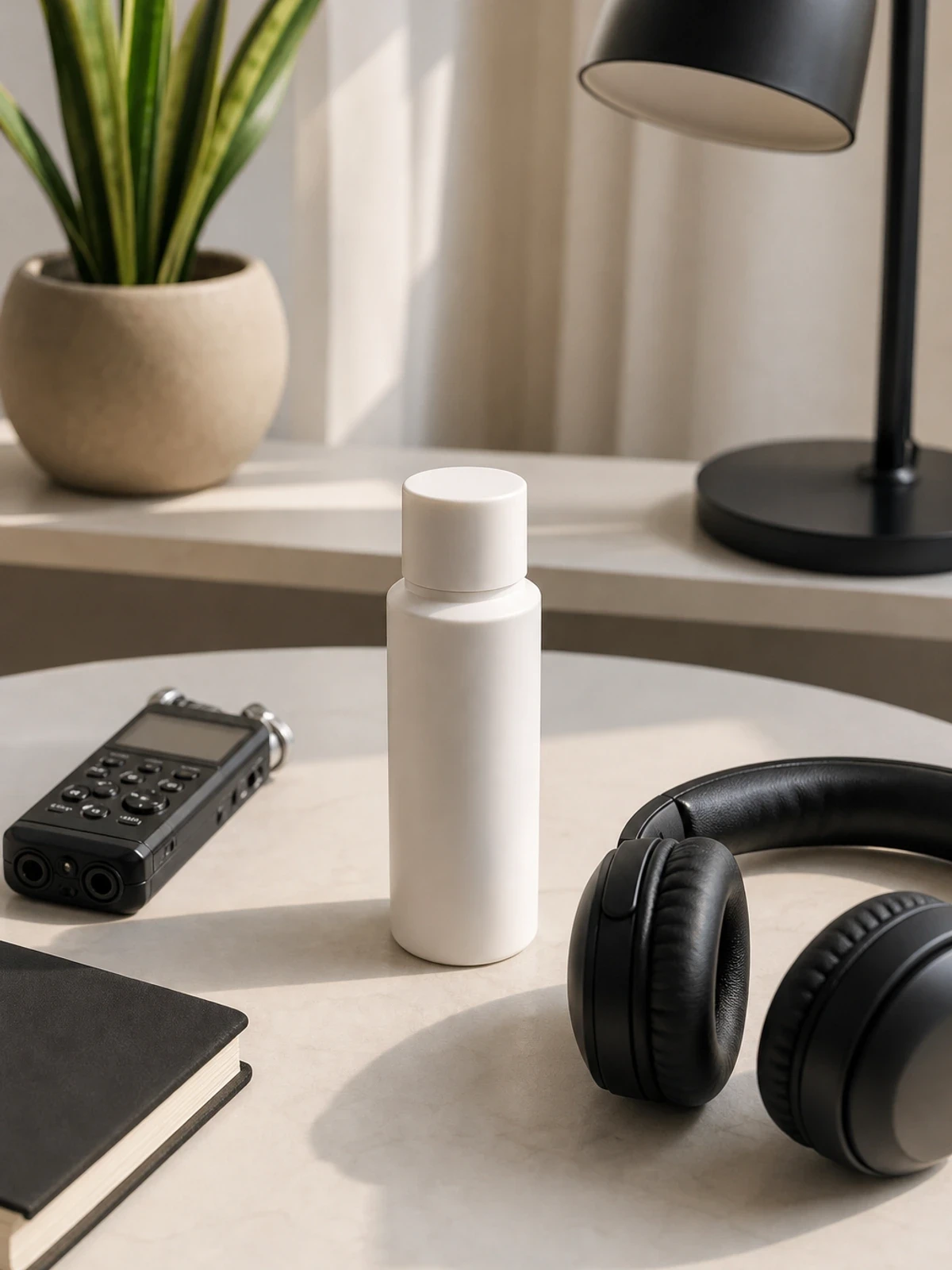
Make product shots, lifestyle scenes, or UGC-style clips.
Support text, image, video, and sometimes audio in one place.
Let you reuse the same inputs for more than one output.
Keep output easy to review before it goes live.
AI ad creative generator checklist: the features that matter
When you compare tools, use this simple checklist. If a tool misses most of these, it will slow your team down later.
Repeatable workflows - Can you run the same steps again for new products, offers, or seasons?
Model choice - Can you route different tasks to different models, like image for stills and video for motion?
Brand controls - Can you keep colors, tone, framing, and product details steady?
Variation support - Can you make multiple hooks, scenes, or formats from one brief?
Review points - Can your team approve or edit before the final asset is used?
Export flexibility - Can you send the output where your team already works?
A strong AI ad creative generator should help a marketer say, “Start here, make these versions, and keep the good parts.” That is better than pressing a single button and hoping the result is usable.
Common pitfalls that waste time and budget
Most bad AI creative setups fail for the same reasons. The tool is not the only problem, the process is too loose.
No clear input - If the brief is vague, the output will be vague too.
Too many random generations - More output is not the same as better output.
No review step - Fast creative still needs a human check for claim, fit, and style.
Single-use assets - If every ad takes a fresh start, you lose the main benefit of AI.
One model for everything - A great image model may not be the best for video or text.
For ecommerce, the biggest mistake is choosing a tool that looks fun but does not fit a real ad workflow. If your team needs launch ads, UGC-style scripts, and product variations, you need structure, not just novelty.
How to test an AI ad creative generator before you buy
Do not ask, “Does it make cool content?” Ask, “Can my team use it every week?”
Test the tool with one real product and one real offer. Then check the output against the job you actually need done.
Write one short brief for a product ad.
Ask for 3 to 5 variations, not just one version.
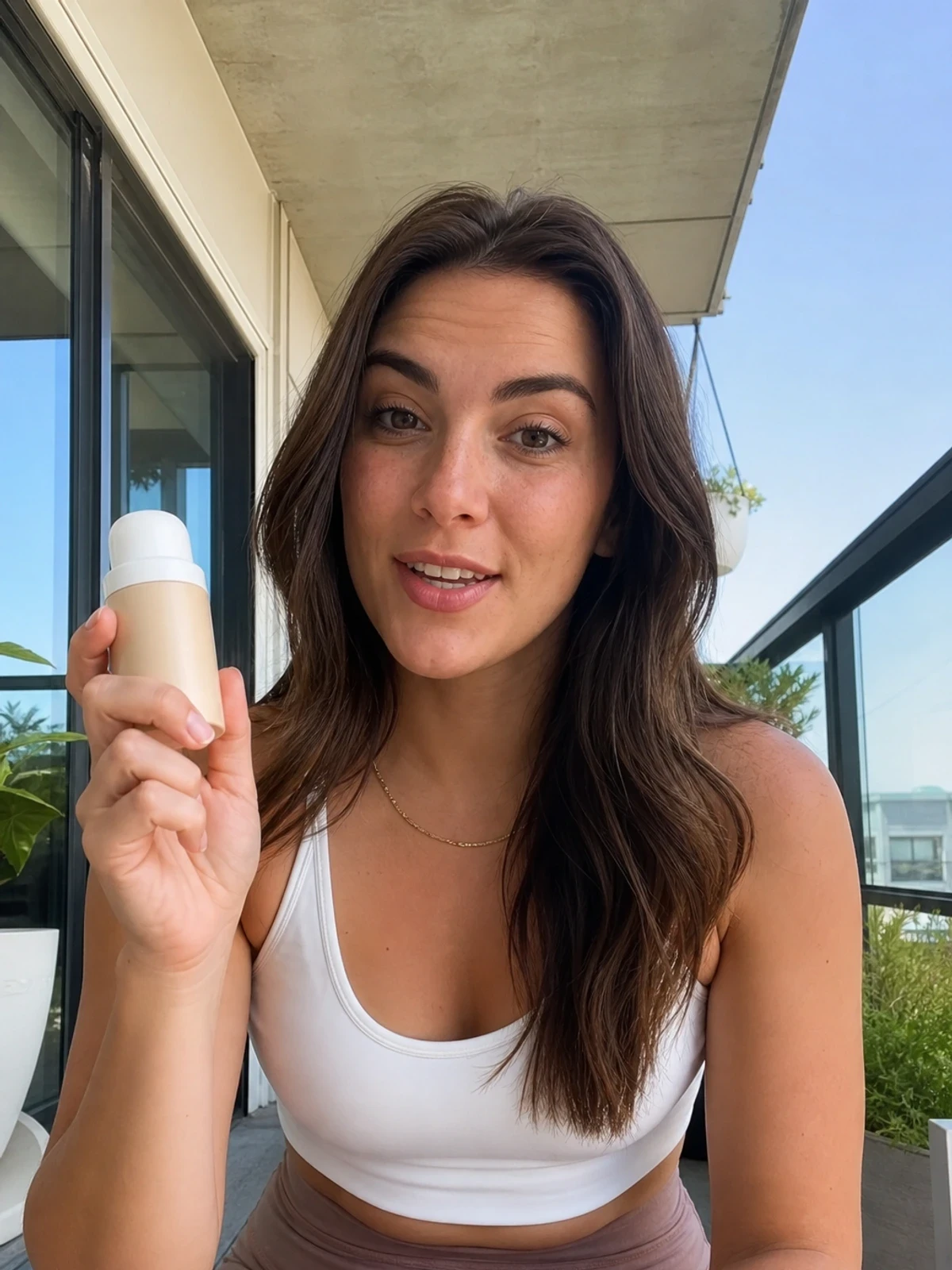
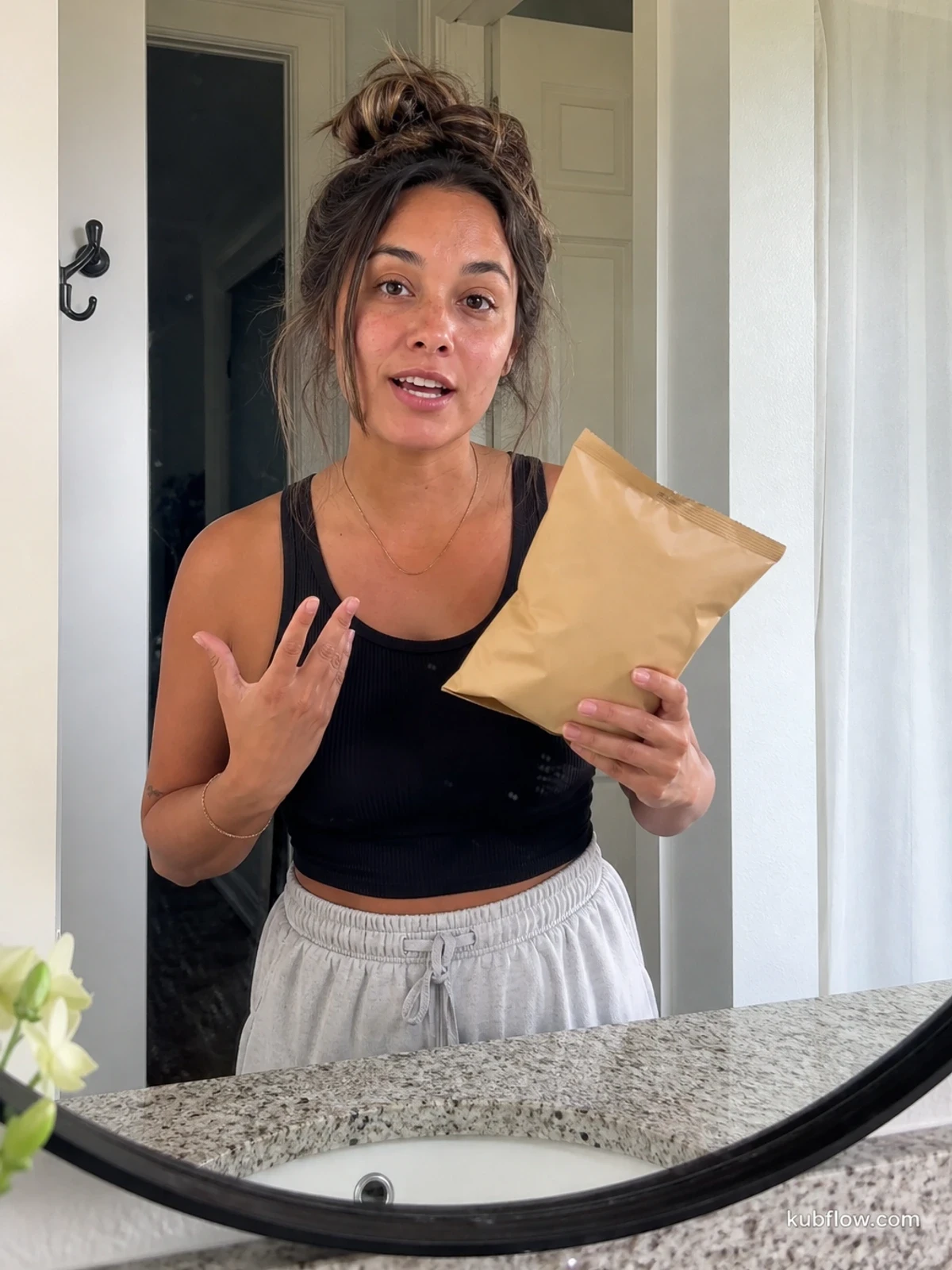
See if the tool can make both a clean product ad and a more human, UGC-style version.
Check whether the output is usable without major cleanup.
Repeat the same steps for a second product or angle.
If the second run is messy, the tool may be hard to scale. A good generator should make the next round easier, not harder.
Simple example of inputs and outputs
Here is a basic ecommerce example.
Input | What you ask for | Useful output |
|---|---|---|
Product | Vitamin gummies for busy parents | Bright product ad, lifestyle clip, and short hook copy |
Angle | Morning routine made easier | 3 headline options and 2 short video openers |
Format | Meta and TikTok ad versions | Square and vertical cuts with matching text |
Review | Check claims and brand tone | Approved creative ready for testing |
The point is not to generate everything at once. The point is to get a small set of usable ad pieces you can actually test.
Where Kubflow fits in the process
Kubflow is built for teams that want a visual way to connect image, video, audio, and text models into repeatable creative steps. That matters when you want one product brief to become multiple ad variations without rebuilding the whole process each time.
Instead of treating every generation like a one-off, you can build a reusable path for product ads, UGC-style clips, launch assets, and content variations. If you want to see how that idea works in practice, start with Kubflow’s visual AI creative workflow builder.
This is especially useful when your team needs one person to start the creative, another to review it, and a third to adapt it for a different channel. A clear workflow keeps that handoff simple.
A practical checklist for choosing the right tool
Before you buy, walk through this list with your team:
Can it make the type of ad we need, not just generic content?
Can it reuse a brief into multiple outputs?
Can we review output before publishing?
Can it handle different creative tasks, like text, image, and video?
Can a non-technical marketer use it without a long setup?
Can we repeat the same process for new products next week?
If the answer is “no” to most of these, keep looking. The best tool is the one your team will actually use under pressure.
Best practice: start small, then scale
Do not try to automate your whole ad system on day one. Start with one product, one offer, and one ad format. Build the workflow, check the output, then expand.
A simple rollout plan looks like this:
Week 1: one product and one ad angle.
Week 2: add more hooks and more variations.
Week 3: reuse the same steps for another product.
Week 4: tighten review and approval so the team moves faster.
This is the kind of repeatable system Kubflow is made for. If you want to go deeper, see the Kubflow docs for building reusable creative workflows.
Final take
The best AI ad creative generator is not the one that makes the flashiest sample. It is the one that helps your ecommerce team make useful ads again and again, with less waste and fewer do-overs.
Choose a tool that supports repeatable steps, clear review, and multiple creative types. If you want to build that kind of system instead of starting from scratch every time, Kubflow is a strong place to do it.


A simple AI ad creative generator checklist for ecommerce brands, with the features to want, the mistakes to avoid, and how to choose well.
If you are looking for an AI ad creative generator, the goal is not just to make something fast. The goal is to make ads your team can reuse, review, and improve without wasting time on weak outputs.
This checklist shows what to look for, what to skip, and how ecommerce brands can pick a generator that helps them make more useful creative, not just more files.
What an AI ad creative generator should do
A good generator should turn one product idea into ad-ready assets with as little rework as possible. For ecommerce teams, that usually means images, short video, hooks, captions, and variations for different audiences or channels.
If a tool only makes one pretty image, that is not enough. You need a repeatable way to make many ad versions from the same starting point.
Make product shots, lifestyle scenes, or UGC-style clips.
Support text, image, video, and sometimes audio in one place.
Let you reuse the same inputs for more than one output.
Keep output easy to review before it goes live.
AI ad creative generator checklist: the features that matter
When you compare tools, use this simple checklist. If a tool misses most of these, it will slow your team down later.
Repeatable workflows - Can you run the same steps again for new products, offers, or seasons?
Model choice - Can you route different tasks to different models, like image for stills and video for motion?
Brand controls - Can you keep colors, tone, framing, and product details steady?
Variation support - Can you make multiple hooks, scenes, or formats from one brief?
Review points - Can your team approve or edit before the final asset is used?
Export flexibility - Can you send the output where your team already works?
A strong AI ad creative generator should help a marketer say, “Start here, make these versions, and keep the good parts.” That is better than pressing a single button and hoping the result is usable.
Common pitfalls that waste time and budget
Most bad AI creative setups fail for the same reasons. The tool is not the only problem, the process is too loose.
No clear input - If the brief is vague, the output will be vague too.
Too many random generations - More output is not the same as better output.
No review step - Fast creative still needs a human check for claim, fit, and style.
Single-use assets - If every ad takes a fresh start, you lose the main benefit of AI.
One model for everything - A great image model may not be the best for video or text.
For ecommerce, the biggest mistake is choosing a tool that looks fun but does not fit a real ad workflow. If your team needs launch ads, UGC-style scripts, and product variations, you need structure, not just novelty.
How to test an AI ad creative generator before you buy
Do not ask, “Does it make cool content?” Ask, “Can my team use it every week?”
Test the tool with one real product and one real offer. Then check the output against the job you actually need done.
Write one short brief for a product ad.
Ask for 3 to 5 variations, not just one version.
See if the tool can make both a clean product ad and a more human, UGC-style version.
Check whether the output is usable without major cleanup.
Repeat the same steps for a second product or angle.
If the second run is messy, the tool may be hard to scale. A good generator should make the next round easier, not harder.
Simple example of inputs and outputs
Here is a basic ecommerce example.
Input | What you ask for | Useful output |
|---|---|---|
Product | Vitamin gummies for busy parents | Bright product ad, lifestyle clip, and short hook copy |
Angle | Morning routine made easier | 3 headline options and 2 short video openers |
Format | Meta and TikTok ad versions | Square and vertical cuts with matching text |
Review | Check claims and brand tone | Approved creative ready for testing |
The point is not to generate everything at once. The point is to get a small set of usable ad pieces you can actually test.
Where Kubflow fits in the process
Kubflow is built for teams that want a visual way to connect image, video, audio, and text models into repeatable creative steps. That matters when you want one product brief to become multiple ad variations without rebuilding the whole process each time.
Instead of treating every generation like a one-off, you can build a reusable path for product ads, UGC-style clips, launch assets, and content variations. If you want to see how that idea works in practice, start with Kubflow’s visual AI creative workflow builder.
This is especially useful when your team needs one person to start the creative, another to review it, and a third to adapt it for a different channel. A clear workflow keeps that handoff simple.
A practical checklist for choosing the right tool
Before you buy, walk through this list with your team:
Can it make the type of ad we need, not just generic content?
Can it reuse a brief into multiple outputs?
Can we review output before publishing?
Can it handle different creative tasks, like text, image, and video?
Can a non-technical marketer use it without a long setup?
Can we repeat the same process for new products next week?
If the answer is “no” to most of these, keep looking. The best tool is the one your team will actually use under pressure.
Best practice: start small, then scale
Do not try to automate your whole ad system on day one. Start with one product, one offer, and one ad format. Build the workflow, check the output, then expand.
A simple rollout plan looks like this:
Week 1: one product and one ad angle.
Week 2: add more hooks and more variations.
Week 3: reuse the same steps for another product.
Week 4: tighten review and approval so the team moves faster.
This is the kind of repeatable system Kubflow is made for. If you want to go deeper, see the Kubflow docs for building reusable creative workflows.
Final take
The best AI ad creative generator is not the one that makes the flashiest sample. It is the one that helps your ecommerce team make useful ads again and again, with less waste and fewer do-overs.
Choose a tool that supports repeatable steps, clear review, and multiple creative types. If you want to build that kind of system instead of starting from scratch every time, Kubflow is a strong place to do it.