July 5, 2026
July 5, 2026
Best AI Tools for Ecommerce Creative Production
Find the right AI tools for ecommerce creative, cut wasted tests, and build faster ad production that your team can repeat.
Find the right AI tools for ecommerce creative, cut wasted tests, and build faster ad production that your team can repeat.
Compare the best AI tools for ecommerce creative production, then pick the right mix for faster ad testing, content, and launches.
The best AI tools for ecommerce creative are not the ones with the fanciest demo. They are the ones that help you make more useful ads, faster, with less team chaos.
If you sell online, the right setup usually looks like this: one tool for images, one for video, one for voice or text, and one place to connect them into a repeatable process. That is the simple way to keep output high without turning your team into prompt writers all day.
Here is the buyer answer: choose tools by job, not by hype. Then build a workflow you can run again next week.
What ecommerce teams actually need from AI creative tools
Most founders do not need a giant AI suite. They need a way to turn one product idea into a few strong ad versions, then review them quickly and keep the good ones.
For ecommerce creative, the main jobs are usually:
Make product images that look useful and on brand.
Turn still images into short videos for TikTok, Reels, and Meta ads.
Write hooks, scripts, and captions that match the offer.
Batch variations so you can test many angles without starting from zero.
Keep the process repeatable so one person is not rebuilding the same steps every time.
If a tool only makes one pretty asset and stops there, it may save a little time, but it will not solve production bottlenecks.
Best AI tools for ecommerce creative, by category
Think in categories. That makes the choice much easier.
Tool category | What it helps with | Best when you need |
|---|---|---|
Image generation | Product scenes, lifestyle images, ad backgrounds | Fast visual ideas and more testable angles |
Video generation | Short ad clips, motion from stills, launch teasers | More scroll-stopping creative for paid social |
Text and script tools | Hooks, ad copy, UGC scripts, titles | More message tests without hiring more writers |
Voice tools | Voiceovers, narration, spoken hooks | Quick ad versions with different tones |
Workflow builders | Connecting image, video, audio, and text steps | A repeatable system your team can rerun |
The last category matters most for growing teams. A single generator can make one asset, but a workflow builder helps you make a full set of assets from one brief.
If you want to see how that looks in practice, Kubflow is built for exactly that kind of repeatable creative assembly. You can start simple and build from there: explore Kubflow for ecommerce creative workflows.
How to choose the right tool for your team
Do not start with features. Start with your biggest pain.
Choose image tools if your team has good products but weak visuals. This is common when you need more lifestyle shots, more scene ideas, or more ad backgrounds without another photo shoot.
Choose video tools if your ads need motion, but your current output is slow or stale. Short motion ads can help you test more hooks, more pacing, and more product angles.
Choose text and voice tools if your problem is message volume. Many brands can make one visual, but they still need five hooks and three scripts for each test cycle.
Choose workflow builders if your real problem is handoffs. If image, copy, and video keep living in different places, your team loses time copying, checking, and redoing work.
Simple rule: if your team says, “We made something cool,” but cannot make 10 more versions in the same style, the tool is probably too narrow.
A simple ecommerce creative production flow
Here is a basic flow that works for many brands:
Start with one brief, one product, one offer, one audience.
Create the message, for example, a pain point hook, a benefit hook, and a social proof hook.
Make the visual set, such as product-in-use, lifestyle scene, and clean product close-up.
Add motion or voice for the best versions.
Review for brand fit, clarity, and claim safety.
Export a batch for testing across Meta, TikTok, or email.
Example input:
Product: skincare bundle
Audience: first-time buyers
Goal: get more tests for paid social
Tone: simple, clean, confident
Example output set:
3 image concepts
3 short video concepts
5 hooks
2 voiceover scripts
1 landing-page hero variation
This is where a visual workflow builder helps most, because it keeps the steps together instead of forcing your team to bounce between tools.
What to check before you trust an AI creative tool
Not every tool is worth your budget. Use this quick checklist:
Can it make outputs for your actual use case, not just nice samples?
Can it handle more than one format, like image and video?
Can your team repeat the same process next week?
Can you review and edit before publishing?
Can you keep brand rules in one place?
Can you avoid paying for wasteful one-off generations?
Also ask a simple question: does this tool reduce work, or just move the work into a new place?
Many teams buy a single generator and still end up with messy files, repeated prompts, and unclear reviews. That is why a workflow approach is usually better than a one-tool answer.
Common mistakes buyers make
Here are the mistakes we see most often from ecommerce teams comparing AI tools for ecommerce creative:
Buying for novelty instead of production speed.
Using too many separate tools and creating more handoffs.
Skipping review rules and shipping weak or off-brand ads.
Only making one version when testing needs many.
Ignoring repeatability, so every launch feels like a new project.
The fix is simple: pick a small set of tools that can work together, then turn your best process into a reusable system.
Where Kubflow fits
Kubflow is for teams that want more than a single AI generator. It lets you connect image, video, audio, and text models in one visual flow, so you can turn one brief into many ad-ready outputs.
That matters if you are a founder or marketer who needs creative shipped every week, not just clever experiments. Instead of rebuilding the same steps, you can save the flow and run it again for the next product, season, or promo.
If you want the technical side next, you can also read the Kubflow docs and see how to set up reusable creative flows.
Quick buyer checklist
Pick tools by job: image, video, text, voice, or workflow.
Use one brief to make many versions.
Review for brand fit before you publish.
Keep the process repeatable.
Choose tools that reduce handoffs, not add them.
If your team needs a practical way to make more ecommerce ads without more chaos, start with a workflow that ties the tools together. That is the fastest path to better output, faster tests, and less wasted effort.

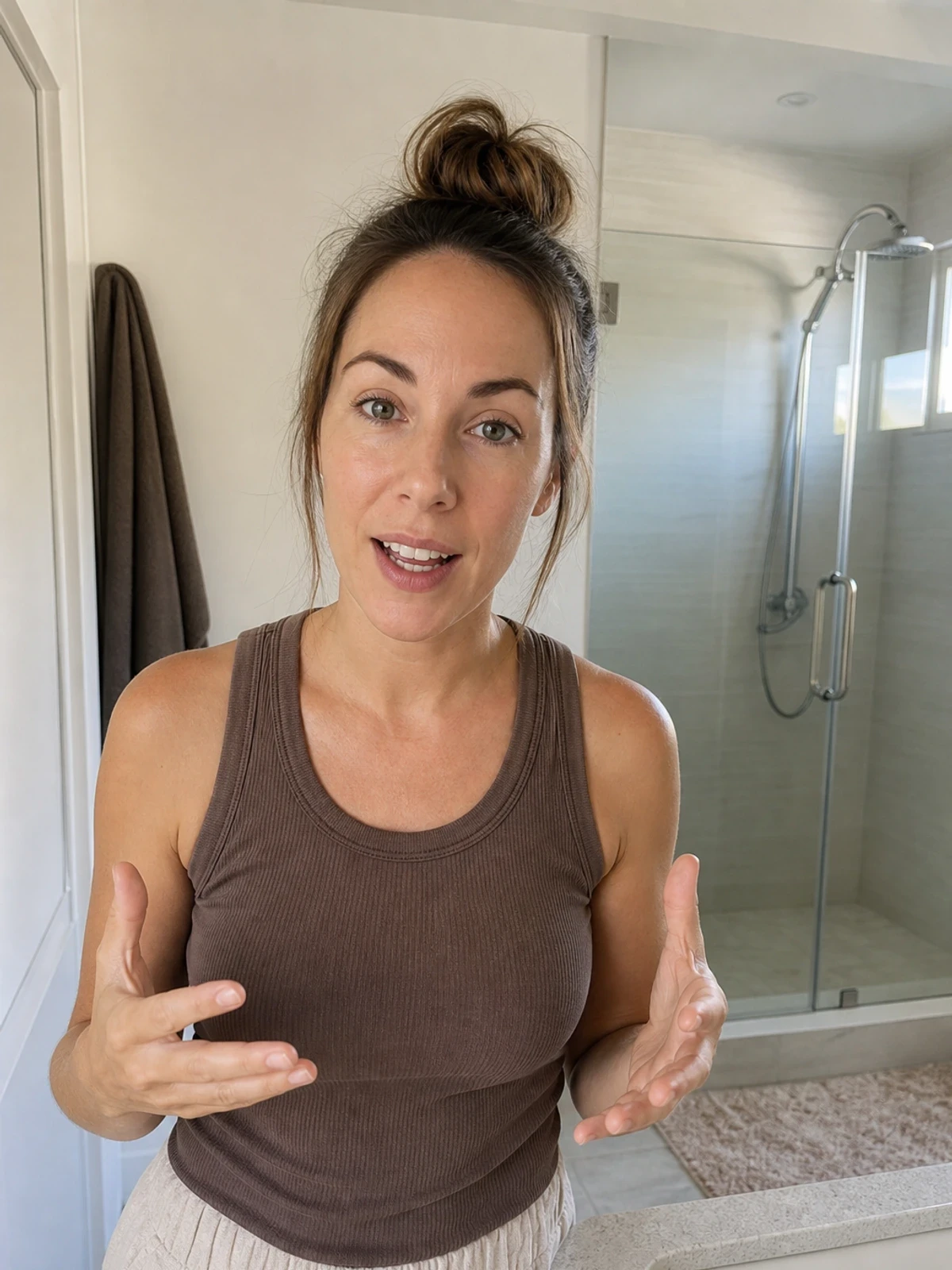


Compare the best AI tools for ecommerce creative production, then pick the right mix for faster ad testing, content, and launches.
The best AI tools for ecommerce creative are not the ones with the fanciest demo. They are the ones that help you make more useful ads, faster, with less team chaos.
If you sell online, the right setup usually looks like this: one tool for images, one for video, one for voice or text, and one place to connect them into a repeatable process. That is the simple way to keep output high without turning your team into prompt writers all day.
Here is the buyer answer: choose tools by job, not by hype. Then build a workflow you can run again next week.
What ecommerce teams actually need from AI creative tools
Most founders do not need a giant AI suite. They need a way to turn one product idea into a few strong ad versions, then review them quickly and keep the good ones.
For ecommerce creative, the main jobs are usually:
Make product images that look useful and on brand.
Turn still images into short videos for TikTok, Reels, and Meta ads.
Write hooks, scripts, and captions that match the offer.
Batch variations so you can test many angles without starting from zero.
Keep the process repeatable so one person is not rebuilding the same steps every time.
If a tool only makes one pretty asset and stops there, it may save a little time, but it will not solve production bottlenecks.
Best AI tools for ecommerce creative, by category
Think in categories. That makes the choice much easier.
Tool category | What it helps with | Best when you need |
|---|---|---|
Image generation | Product scenes, lifestyle images, ad backgrounds | Fast visual ideas and more testable angles |
Video generation | Short ad clips, motion from stills, launch teasers | More scroll-stopping creative for paid social |
Text and script tools | Hooks, ad copy, UGC scripts, titles | More message tests without hiring more writers |
Voice tools | Voiceovers, narration, spoken hooks | Quick ad versions with different tones |
Workflow builders | Connecting image, video, audio, and text steps | A repeatable system your team can rerun |
The last category matters most for growing teams. A single generator can make one asset, but a workflow builder helps you make a full set of assets from one brief.
If you want to see how that looks in practice, Kubflow is built for exactly that kind of repeatable creative assembly. You can start simple and build from there: explore Kubflow for ecommerce creative workflows.
How to choose the right tool for your team
Do not start with features. Start with your biggest pain.
Choose image tools if your team has good products but weak visuals. This is common when you need more lifestyle shots, more scene ideas, or more ad backgrounds without another photo shoot.
Choose video tools if your ads need motion, but your current output is slow or stale. Short motion ads can help you test more hooks, more pacing, and more product angles.
Choose text and voice tools if your problem is message volume. Many brands can make one visual, but they still need five hooks and three scripts for each test cycle.
Choose workflow builders if your real problem is handoffs. If image, copy, and video keep living in different places, your team loses time copying, checking, and redoing work.
Simple rule: if your team says, “We made something cool,” but cannot make 10 more versions in the same style, the tool is probably too narrow.
A simple ecommerce creative production flow
Here is a basic flow that works for many brands:
Start with one brief, one product, one offer, one audience.
Create the message, for example, a pain point hook, a benefit hook, and a social proof hook.
Make the visual set, such as product-in-use, lifestyle scene, and clean product close-up.
Add motion or voice for the best versions.
Review for brand fit, clarity, and claim safety.
Export a batch for testing across Meta, TikTok, or email.
Example input:
Product: skincare bundle
Audience: first-time buyers
Goal: get more tests for paid social
Tone: simple, clean, confident
Example output set:
3 image concepts
3 short video concepts
5 hooks
2 voiceover scripts
1 landing-page hero variation
This is where a visual workflow builder helps most, because it keeps the steps together instead of forcing your team to bounce between tools.
What to check before you trust an AI creative tool
Not every tool is worth your budget. Use this quick checklist:
Can it make outputs for your actual use case, not just nice samples?
Can it handle more than one format, like image and video?
Can your team repeat the same process next week?
Can you review and edit before publishing?
Can you keep brand rules in one place?
Can you avoid paying for wasteful one-off generations?
Also ask a simple question: does this tool reduce work, or just move the work into a new place?
Many teams buy a single generator and still end up with messy files, repeated prompts, and unclear reviews. That is why a workflow approach is usually better than a one-tool answer.
Common mistakes buyers make
Here are the mistakes we see most often from ecommerce teams comparing AI tools for ecommerce creative:
Buying for novelty instead of production speed.
Using too many separate tools and creating more handoffs.
Skipping review rules and shipping weak or off-brand ads.
Only making one version when testing needs many.
Ignoring repeatability, so every launch feels like a new project.
The fix is simple: pick a small set of tools that can work together, then turn your best process into a reusable system.
Where Kubflow fits
Kubflow is for teams that want more than a single AI generator. It lets you connect image, video, audio, and text models in one visual flow, so you can turn one brief into many ad-ready outputs.
That matters if you are a founder or marketer who needs creative shipped every week, not just clever experiments. Instead of rebuilding the same steps, you can save the flow and run it again for the next product, season, or promo.
If you want the technical side next, you can also read the Kubflow docs and see how to set up reusable creative flows.
Quick buyer checklist
Pick tools by job: image, video, text, voice, or workflow.
Use one brief to make many versions.
Review for brand fit before you publish.
Keep the process repeatable.
Choose tools that reduce handoffs, not add them.
If your team needs a practical way to make more ecommerce ads without more chaos, start with a workflow that ties the tools together. That is the fastest path to better output, faster tests, and less wasted effort.