June 9, 2026
June 9, 2026
AI UGC Ad Workflow Without Hiring a Full Creative Team
Turn one brief into script, visuals, voice, and video with a repeatable AI UGC ad workflow for lean DTC teams.
Turn one brief into script, visuals, voice, and video with a repeatable AI UGC ad workflow for lean DTC teams.
Learn an AI UGC ad workflow that turns one brief into repeatable scripts, visuals, voice, and videos, without hiring a full team.
The fastest way to make more UGC-style ads is to stop treating each ad like a one-off project. An AI UGC ad workflow lets you turn one product brief into a script, visual plan, voice, and finished video, then repeat it again and again.
This is a simple way for lean DTC teams to make more testable ads without hiring a full creative team. Kubflow helps you build those steps once, then rerun them for every new product, angle, or offer.
What an AI UGC ad workflow actually is
Think of it as a recipe. You give it the same basic ingredients every time, and it gives you the same kind of output every time.
For ecommerce ads, the recipe usually looks like this:
One product brief
One hook or problem
One short script
One visual plan
One voice track or talking style
One short video edit
Instead of asking one person to do all of this by hand, you connect the steps. That makes the work easier to repeat, faster to review, and simpler to scale.
This matters most when you need many ad variations, but do not have a big creative team. If you want a deeper look at how teams map the steps, see Kubflow.
Why lean DTC teams need this process
Most small teams do not have a writer, a producer, a voice actor, an editor, and a motion designer for every campaign. They usually have one marketer wearing all those hats.
That creates three problems:
Ads take too long to make.
Creative ideas get stuck in review.
Testing slows down because each version takes too much work.
An AI UGC ad workflow helps by breaking one hard job into small steps. You can change the hook, swap the product angle, or test a new voice style without starting from zero.
It is not about making fake ads. It is about making real ecommerce ideas faster, so your team can test more and learn more.
Build the script, visual, voice, and video in one chain
The easiest workflow starts with the script. Once the script is clear, the rest becomes much easier.
1. Write the short script first
Keep it simple. A UGC ad script only needs a hook, a problem, a product moment, and a close.
Example script shape:
Hook: “If your skin gets dry by noon, this helped me.”
Problem: “I needed something light that still lasted.”
Product moment: “This balm sinks in fast and feels clean.”
Close: “I kept using it because it was easy.”
Good inputs for the script step:
Product name
Main benefit
Best customer pain point
One proof point or feature
Desired tone, like casual, honest, or excited
2. Turn the script into a visual plan
Next, map each line to a shot. Do not overthink it. You only need enough detail to know what should appear on screen.
Example visual plan:
Hook line, creator holding the product
Problem line, close-up of the use case
Product moment, simple before-and-after action
Close, creator talking to camera
If you already have product photos, model shots, or lifestyle images, you can reuse them across many videos. Kubflow’s image tools are useful when you want to turn one idea into several visual starts.
3. Create the voice and pacing
Voice matters because UGC ads should sound like a person, not a brand deck. Choose a voice style that fits the customer, not the marketing team.
Ask for one of these:
Fast and casual
Calm and trustworthy
Playful and punchy
Warm and everyday
Keep the delivery short. UGC ads work best when the voice sounds like someone sharing a real find, not reading a polished script.
4. Assemble the video
Once the script, shots, and voice are ready, assemble them into one simple ad. The goal is not a film, it is a clear message that can win a test.
Use the same structure each time:
First 2 seconds, hook
Next 3 to 5 seconds, pain point
Middle, product action
End, simple proof or call to action
If you need to make the same idea into different video versions, Kubflow’s video workflows help you keep the steps repeatable.
AI UGC ad workflow example you can copy today
Here is a simple example for a clean skincare brand.
Step | Input | Output |
|---|---|---|
Brief | Hydrating balm for dry winter skin | One ad angle |
Script | Problem, benefit, quick proof | 15 second voiceover |
Visual plan | Creator, product, close-up texture shot | Shot list |
Voice | Casual, honest tone | Audio track |
Assembly | All parts together | One testable video ad |
Now repeat the same flow with a new angle:
Angle 1, dry skin relief
Angle 2, easy morning routine
Angle 3, travel-friendly comfort
That is how one product can become several ads without extra chaos.
Quality checklist before you publish
Before you launch, check these points:
The first line is clear in 2 seconds or less.
The product benefit is obvious.
The ad sounds human, not robotic.
The visuals match the promise.
The video is short enough to test quickly.
There is only one main idea per ad.
Common mistakes to avoid:
Trying to say too much in one video
Making the script too polished
Using visuals that do not match the hook
Changing the process every time
Forgetting to save the best version for reuse
A repeatable workflow matters more than a single clever ad. If the process is stable, your team can keep making new versions without slowing down.
How Kubflow fits into the process
Kubflow is built for this kind of work. You can connect the steps for script, visual, voice, and video into one reusable system, then run it again for the next product or angle.
That means less copy-paste work, fewer handoffs, and faster creative testing. You do not need a full in-house studio to keep moving.
If you are ready to build your own repeatable ad pipeline, start with the product flow on Kubflow and keep the team focused on ideas, not busywork.
A simple way to start this week
Pick one product. Write one short hook. Make one visual plan. Add one voice style. Assemble one ad.
Then save the steps and repeat them with a new angle. That is the whole point of an AI UGC ad workflow, faster output without needing a larger team.
If you want to build this once and reuse it across campaigns, Kubflow gives you the place to do it.
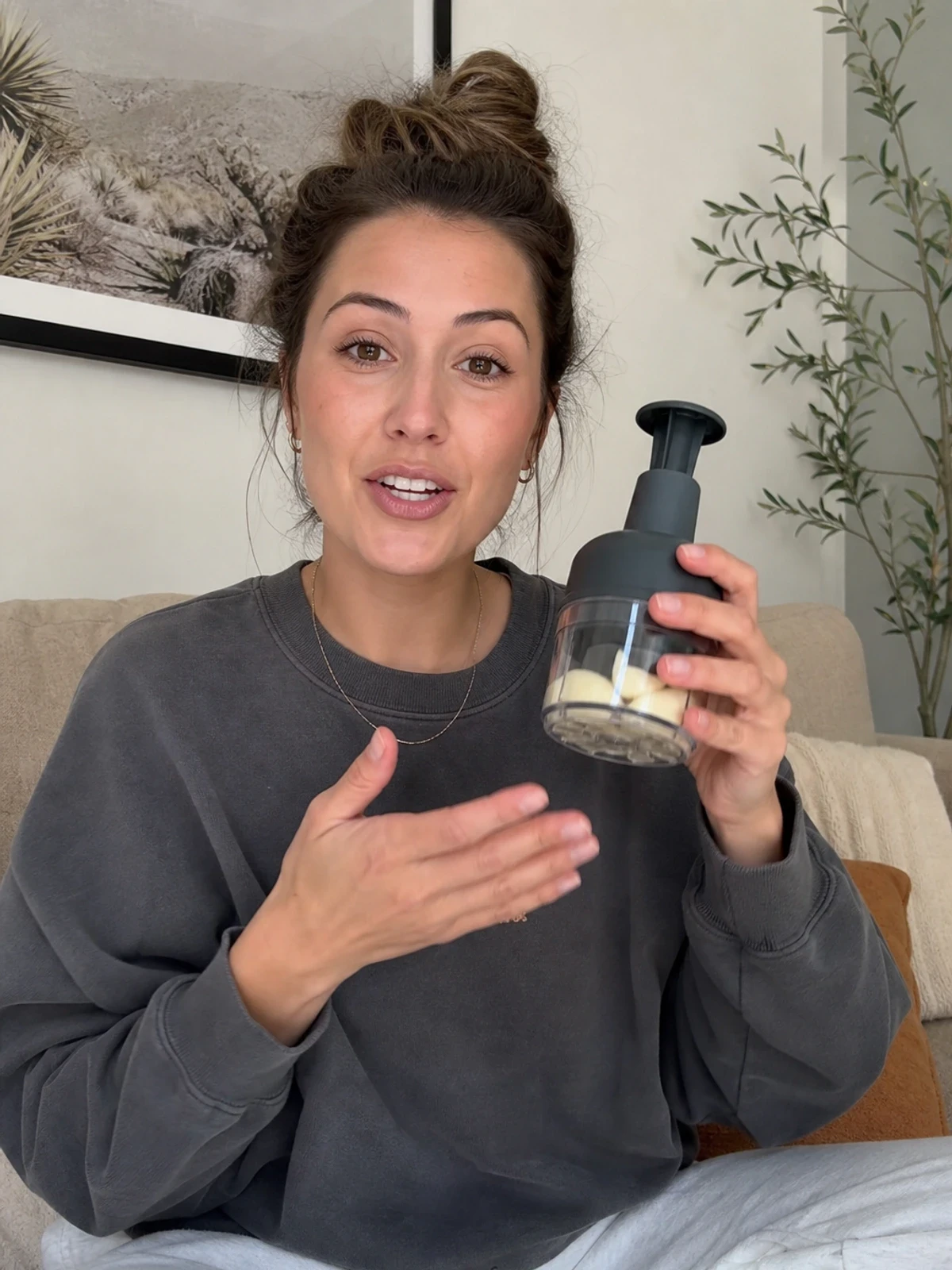
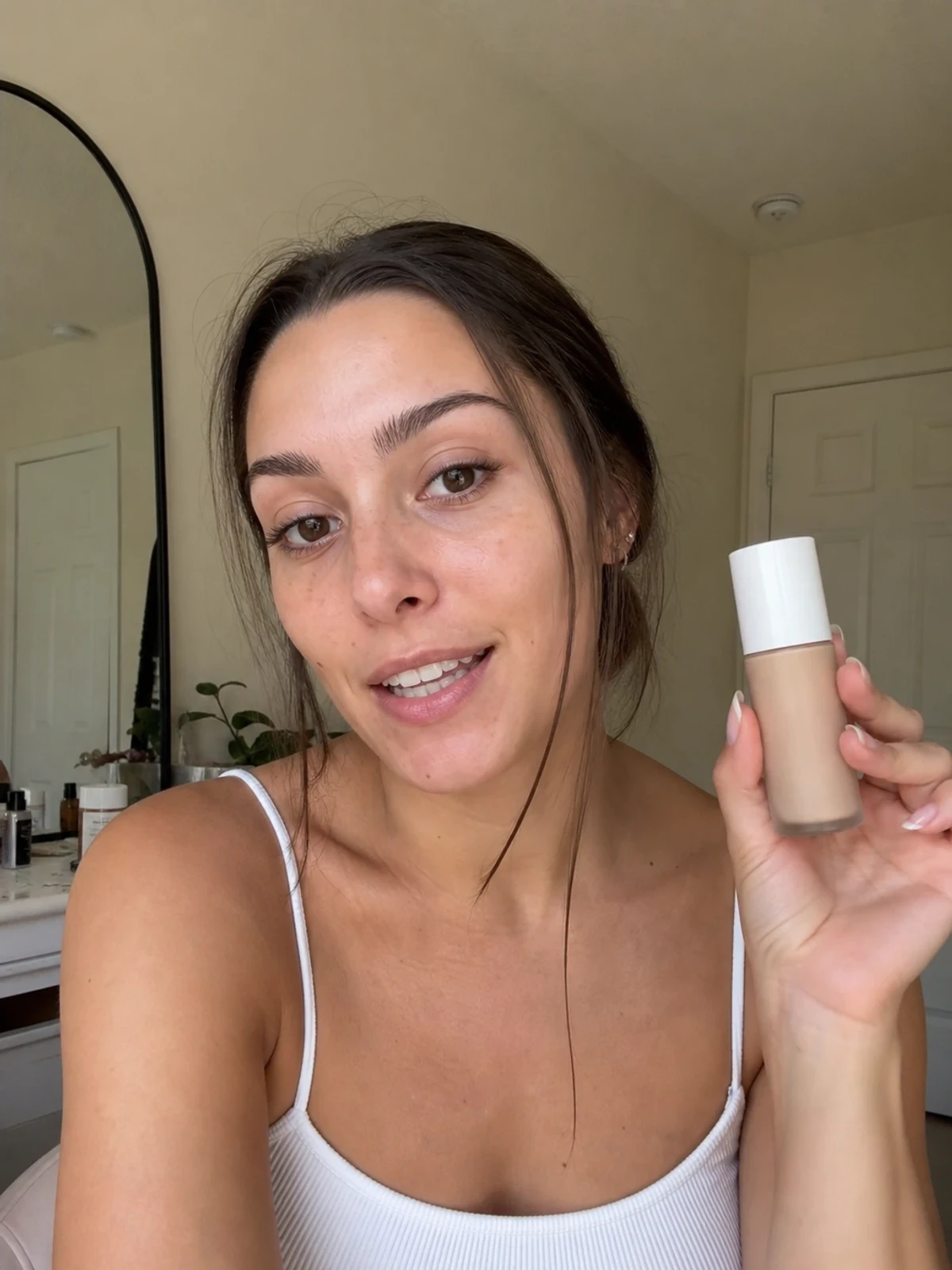


Learn an AI UGC ad workflow that turns one brief into repeatable scripts, visuals, voice, and videos, without hiring a full team.
The fastest way to make more UGC-style ads is to stop treating each ad like a one-off project. An AI UGC ad workflow lets you turn one product brief into a script, visual plan, voice, and finished video, then repeat it again and again.
This is a simple way for lean DTC teams to make more testable ads without hiring a full creative team. Kubflow helps you build those steps once, then rerun them for every new product, angle, or offer.
What an AI UGC ad workflow actually is
Think of it as a recipe. You give it the same basic ingredients every time, and it gives you the same kind of output every time.
For ecommerce ads, the recipe usually looks like this:
One product brief
One hook or problem
One short script
One visual plan
One voice track or talking style
One short video edit
Instead of asking one person to do all of this by hand, you connect the steps. That makes the work easier to repeat, faster to review, and simpler to scale.
This matters most when you need many ad variations, but do not have a big creative team. If you want a deeper look at how teams map the steps, see Kubflow.
Why lean DTC teams need this process
Most small teams do not have a writer, a producer, a voice actor, an editor, and a motion designer for every campaign. They usually have one marketer wearing all those hats.
That creates three problems:
Ads take too long to make.
Creative ideas get stuck in review.
Testing slows down because each version takes too much work.
An AI UGC ad workflow helps by breaking one hard job into small steps. You can change the hook, swap the product angle, or test a new voice style without starting from zero.
It is not about making fake ads. It is about making real ecommerce ideas faster, so your team can test more and learn more.
Build the script, visual, voice, and video in one chain
The easiest workflow starts with the script. Once the script is clear, the rest becomes much easier.
1. Write the short script first
Keep it simple. A UGC ad script only needs a hook, a problem, a product moment, and a close.
Example script shape:
Hook: “If your skin gets dry by noon, this helped me.”
Problem: “I needed something light that still lasted.”
Product moment: “This balm sinks in fast and feels clean.”
Close: “I kept using it because it was easy.”
Good inputs for the script step:
Product name
Main benefit
Best customer pain point
One proof point or feature
Desired tone, like casual, honest, or excited
2. Turn the script into a visual plan
Next, map each line to a shot. Do not overthink it. You only need enough detail to know what should appear on screen.
Example visual plan:
Hook line, creator holding the product
Problem line, close-up of the use case
Product moment, simple before-and-after action
Close, creator talking to camera
If you already have product photos, model shots, or lifestyle images, you can reuse them across many videos. Kubflow’s image tools are useful when you want to turn one idea into several visual starts.
3. Create the voice and pacing
Voice matters because UGC ads should sound like a person, not a brand deck. Choose a voice style that fits the customer, not the marketing team.
Ask for one of these:
Fast and casual
Calm and trustworthy
Playful and punchy
Warm and everyday
Keep the delivery short. UGC ads work best when the voice sounds like someone sharing a real find, not reading a polished script.
4. Assemble the video
Once the script, shots, and voice are ready, assemble them into one simple ad. The goal is not a film, it is a clear message that can win a test.
Use the same structure each time:
First 2 seconds, hook
Next 3 to 5 seconds, pain point
Middle, product action
End, simple proof or call to action
If you need to make the same idea into different video versions, Kubflow’s video workflows help you keep the steps repeatable.
AI UGC ad workflow example you can copy today
Here is a simple example for a clean skincare brand.
Step | Input | Output |
|---|---|---|
Brief | Hydrating balm for dry winter skin | One ad angle |
Script | Problem, benefit, quick proof | 15 second voiceover |
Visual plan | Creator, product, close-up texture shot | Shot list |
Voice | Casual, honest tone | Audio track |
Assembly | All parts together | One testable video ad |
Now repeat the same flow with a new angle:
Angle 1, dry skin relief
Angle 2, easy morning routine
Angle 3, travel-friendly comfort
That is how one product can become several ads without extra chaos.
Quality checklist before you publish
Before you launch, check these points:
The first line is clear in 2 seconds or less.
The product benefit is obvious.
The ad sounds human, not robotic.
The visuals match the promise.
The video is short enough to test quickly.
There is only one main idea per ad.
Common mistakes to avoid:
Trying to say too much in one video
Making the script too polished
Using visuals that do not match the hook
Changing the process every time
Forgetting to save the best version for reuse
A repeatable workflow matters more than a single clever ad. If the process is stable, your team can keep making new versions without slowing down.
How Kubflow fits into the process
Kubflow is built for this kind of work. You can connect the steps for script, visual, voice, and video into one reusable system, then run it again for the next product or angle.
That means less copy-paste work, fewer handoffs, and faster creative testing. You do not need a full in-house studio to keep moving.
If you are ready to build your own repeatable ad pipeline, start with the product flow on Kubflow and keep the team focused on ideas, not busywork.
A simple way to start this week
Pick one product. Write one short hook. Make one visual plan. Add one voice style. Assemble one ad.
Then save the steps and repeat them with a new angle. That is the whole point of an AI UGC ad workflow, faster output without needing a larger team.
If you want to build this once and reuse it across campaigns, Kubflow gives you the place to do it.